How to Add Clickable Links in WhatsApp Messages
Learn every method for sharing clickable links in WhatsApp — from plain URLs and tap-to-chat links to shortened branded links that boost click-through rates and track engagement.
How to Add Clickable Links in WhatsApp Messages
A WhatsApp link is any URL you paste into a chat that WhatsApp automatically renders as a tappable element — no special markup required. Whether you are sending a product page to a customer, a meeting invite to a colleague, or a landing page to thousands of broadcast subscribers, understanding how links behave in WhatsApp (and how to make them work harder) is a skill worth sharpening.
This guide covers every link method: plain URLs, wa.me tap-to-chat links, short links, branded links with real-time analytics, and best practices for WhatsApp Business. By the end you will know exactly which approach to use in every situation.
How WhatsApp Handles Links
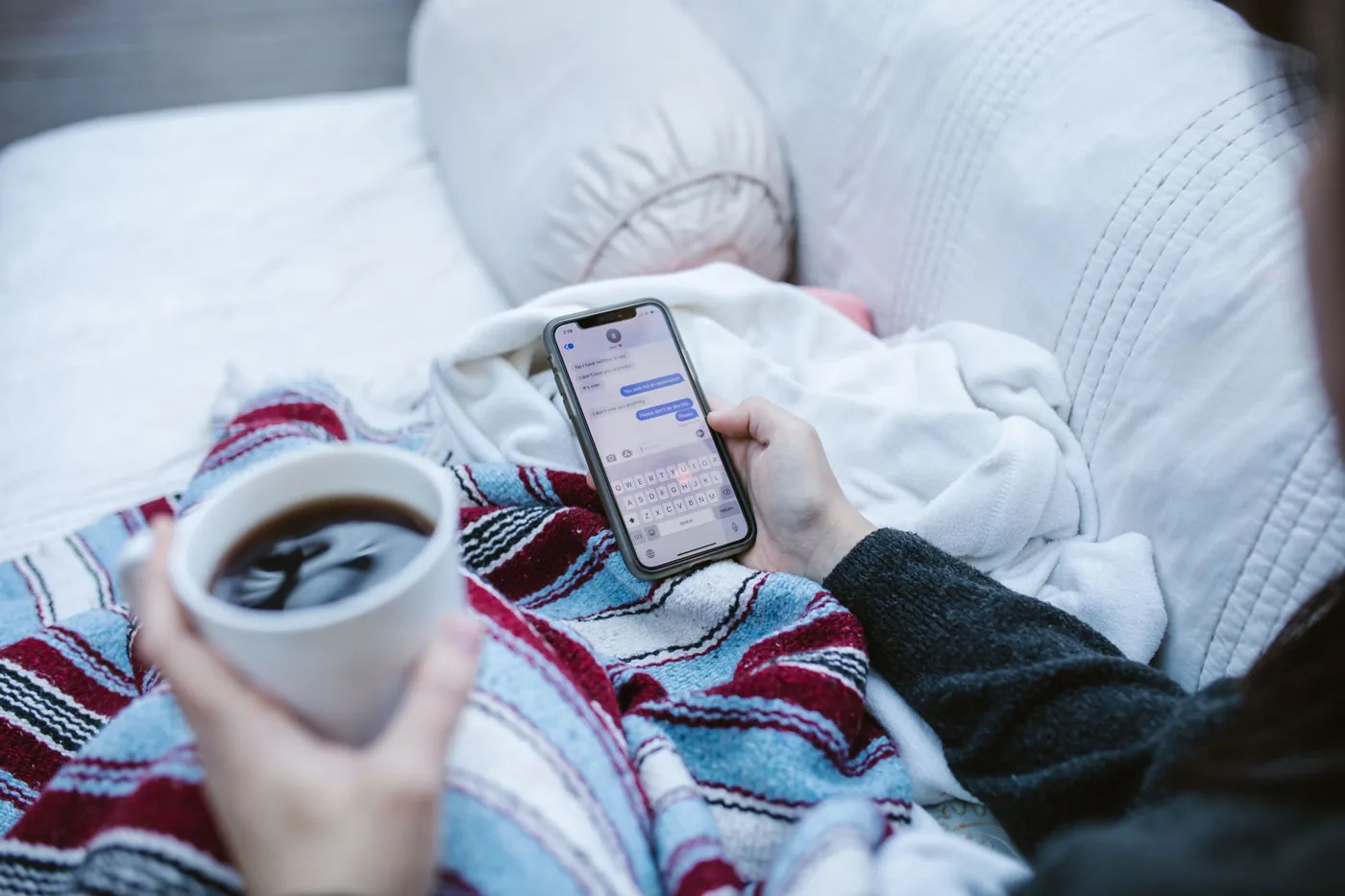
WhatsApp automatically detects any valid URL you type or paste into a message and converts it into a tappable hyperlink. There is no Markdown syntax, no HTML — just the raw URL.
When the recipient taps the link, WhatsApp opens it in the device's default browser (or an in-app browser, depending on OS and settings). WhatsApp also generates a link preview — a thumbnail, title, and description pulled from the target page's Open Graph tags — directly inside the chat bubble. This preview appears for both individual and group chats, and it dramatically increases tap rates because recipients can see what they are about to open before committing.
Key behaviours to know:
- HTTP and HTTPS links both become tappable; always prefer HTTPS for trust.
- Long URLs fully display in chat but look messy and can break across lines.
- Shortened or branded URLs display cleanly and still generate previews, provided the final destination page has proper Open Graph meta tags.
- wa.me links (described below) are a special WhatsApp-official format that opens a chat directly.
- WhatsApp scans outbound links against known malware databases and may warn users before they open a suspicious URL — one more reason to use clean, recognisable links.
Method 1: Paste a Plain URL
The most straightforward approach. Type or paste any URL directly into the WhatsApp text box and send. WhatsApp renders it as a link immediately.
Steps:
- Copy the destination URL from your browser's address bar.
- Open the WhatsApp chat (individual, group, or broadcast list).
- Tap the message input field and paste the URL.
- Wait a moment — WhatsApp fetches the link preview and displays it above the input bar.
- If the preview looks correct, hit Send. If you want to send the URL without a preview, tap the X on the preview card before sending.
When to use it: quick one-off sharing with people you know. The main downside is aesthetics — a raw URL like https://www.yourstore.com/collections/summer-sale-2026?utm_source=whatsapp&utm_medium=social is visually noisy and hard to remember.
Method 2: Create a WhatsApp tap-to-chat (wa.me) Link
A wa.me WhatsApp link lets anyone open a chat with a specific phone number without saving it as a contact first. This is particularly useful for businesses — add the link to your website, email signature, or bio, and prospects can message you in one tap.
Basic format:
https://wa.me/<countrycode><phonenumber>
Example: to let someone message a UK number (+44 7911 123456):
https://wa.me/447911123456
Note: no +, spaces, dashes, or parentheses in the number.
Pre-fill a message (optional):
You can add a URL-encoded message so the chat opens with text already in the input field:
https://wa.me/447911123456?text=Hi%2C%20I%20saw%20your%20ad%20and%20have%20a%20question
Use any URL encoder to convert spaces and special characters.
Where to use wa.me links:
- Instagram / LinkedIn / X bio
- Website "Chat on WhatsApp" buttons
- Email signatures
- Printed materials via a QR code (more on this below)
- WhatsApp Business automated welcome messages pointing to a second team member
Official reference: WhatsApp's own documentation on click-to-chat is at faq.whatsapp.com/5913398998672934.
Method 3: Shorten the URL First
Long URLs with tracking parameters are hard to read in chat and look untrustworthy. Shortening a link before sending solves both problems.
With a tool like fewly, you paste the long URL and get a compact link such as go.fewly.tech/go/summer26 in seconds. That short link:
- Looks clean and professional in any chat
- Still generates a WhatsApp link preview (because fewly redirects to the original page, which has its own Open Graph tags)
- Tracks every click automatically
Steps to shorten a link with fewly:
- Go to go.fewly.tech and paste your long URL into the shortener.
- Click Shorten — your short link appears instantly.
- Optionally customise the slug (e.g.,
/summer26) for readability. - Copy the short link and paste it into WhatsApp.
Free plan users get unlimited standard short links. No account required for basic shortening.
Method 4: Use a Branded Short Link for Professional and Marketing Use
If you are a marketer, business owner, or community manager sending links at scale, plain short links with a generic domain are a missed branding opportunity. Branded short links replace the generic domain with your own (e.g., go.yourbrand.com/summer26).
Branded links in WhatsApp achieve two things:
- Trust — recipients see your brand name in the URL before tapping, which increases click-through rates.
- Consistency — every link you share, across every channel, reinforces your domain.
fewly's branded links feature lets you connect a custom domain, create links under it, and manage everything from one dashboard. Setup takes under ten minutes: add a CNAME record at your DNS provider, verify it in fewly, and you are live.
Method 5: Track Link Performance with Analytics
Pasting a link and hoping for clicks is a one-way street. Adding link analytics turns WhatsApp into a measurable channel.
When you share a fewly link in WhatsApp, every click is logged with:
- Timestamp — when exactly the link was tapped
- Device and OS — iOS vs. Android, mobile vs. desktop
- Country and city — useful for regional campaigns
- Referrer — confirms traffic is coming from WhatsApp rather than another channel
This data lets you answer questions like: Did the broadcast I sent at 9 AM Tuesday outperform the one at 5 PM Friday? Which market is most engaged? Should I retarget people in a specific city?
You do not need to add UTM parameters manually (though you can still append them for Google Analytics integration). fewly captures click data at the redirect layer, so even users who strip tracking parameters from URLs are counted.
How to Share Links in WhatsApp Business
WhatsApp Business adds several layers that make link sharing more powerful:
Catalog Links
WhatsApp Business lets you build a product catalog inside the app. Each item gets a shareable link (https://wa.me/c/<phone>) that opens the catalog for the recipient. For product businesses this is a native, frictionless alternative to sending a website link.
Quick Replies
Go to Settings → Business Tools → Quick Replies and create a shortcut (e.g., /pricing) that auto-fills a pre-written message containing your pricing page link. This saves time when you repeatedly send the same link in support conversations.
Broadcast Lists and WhatsApp Channels
Broadcast lists let you send a message — including a link — to up to 256 saved contacts simultaneously. WhatsApp Channels (available in select regions) allow one-to-many publishing to unlimited followers. In both cases, use a shortened or branded link so you can measure aggregate clicks across the audience.
Automated Messages with Links
In the WhatsApp Business app (or via the WhatsApp Business API for larger operations), you can set:
- Away messages that include a booking or support link
- Greeting messages that include a link to your catalog or FAQ page
- Chatbot flows (via API) that send dynamic links based on what the user asks
WhatsApp Link Best Practices
Keep links short and clean
Long URLs create visual clutter and make recipients hesitant to tap. Always shorten before sharing — especially in group chats where the message will be seen by many people.
Use HTTPS, always
An http:// link will trigger a browser security warning on most devices. Every link you share should be secure.
Test the link preview before sending at scale
Send the link to yourself in a test chat to confirm the preview title, description, and thumbnail look correct. If the preview is missing, the destination page may be lacking Open Graph meta tags.
Do not paste links in the first message to a stranger
WhatsApp's spam detection flags accounts that send links to people they have never messaged before. Warm up the conversation first.
Match the link destination to the audience
Sending a technical API documentation link to non-technical customers creates friction. Consider creating a dedicated landing page for WhatsApp traffic so the destination matches the context.
Mind link expiry
If you are sharing time-sensitive offers, check whether your short link can be updated to a new destination without breaking the URL. fewly lets you edit the destination URL of any link at any time — so a link you shared three months ago can point to a new page today.
QR Codes as an Offline Bridge to WhatsApp Links
QR codes and WhatsApp links are natural partners. A QR code is essentially a scannable link — print it on a receipt, a flyer, a product label, or a shop window, and customers scan to open your WhatsApp chat or any URL instantly.
fewly's QR code generator creates a QR code for any short link you create. Because the QR code points to your fewly short link rather than directly to the destination, you can update the destination later without reprinting materials. The QR click data also flows into your link analytics dashboard.
Comparing WhatsApp Link Methods
| Method | Best for | Branded | Trackable | Editable after send |
|---|---|---|---|---|
| Plain URL | Quick personal sharing | No | No | No |
| wa.me link | Click-to-chat CTAs | Partially | No | N/A |
| Generic short link | Clean links, basic tracking | No | Yes | Yes |
| Branded short link | Marketing, professional use | Yes | Yes | Yes |
| WhatsApp catalog link | Product businesses | Yes (via WA) | Limited | Yes |
Frequently Asked Questions
Can I make text in WhatsApp a hyperlink, like in email?
No. WhatsApp does not support Markdown hyperlinks or HTML anchor tags in standard messages. The only way to add a WhatsApp link is to paste the raw URL into the chat — WhatsApp converts it to a tappable element automatically. In WhatsApp Business API templates, buttons with embedded URLs are supported, which gives a similar "tap to visit" experience without exposing the full URL.
Why is my WhatsApp link preview not showing?
WhatsApp fetches Open Graph meta tags (og:title, og:description, og:image) from the destination page to generate the preview. If those tags are missing, the preview will not appear. Other causes: the page is behind a login, the server is blocking WhatsApp's crawler, or the page returned an error. Fix the meta tags on the destination page and try again.
Does WhatsApp show if someone clicked my link?
Not natively. WhatsApp only shows read receipts (blue ticks), not link taps. To track clicks, use a shortened link with analytics enabled — each click registers in the analytics dashboard regardless of read receipts.
Are WhatsApp links safe to click?
WhatsApp checks links against Google Safe Browsing and warns users before they open a URL flagged as malicious. However, not all unsafe links are caught. Recipients should be cautious about links from unknown senders. As a sender, using a recognisable branded domain and HTTPS increases trust significantly.
What is a wa.me link and how is it different from a regular link?
A wa.me link (e.g., https://wa.me/447911123456) is a WhatsApp-official URL format that opens a new chat with a specific phone number when tapped. A regular link opens a website in a browser. Use wa.me links when you want people to reach you on WhatsApp; use regular shortened or branded links when you want people to visit a webpage.
Start Sharing Smarter WhatsApp Links Today
Pasting a raw URL works, but it leaves performance data on the table. Short, branded, trackable links take two extra seconds to create and give you a complete picture of what your WhatsApp audience is clicking.
fewly makes it free to get started: shorten your first link in seconds, add a custom domain when you are ready, and read real-time click data from your dashboard — no code required.
Start free and turn every WhatsApp link into a measurable marketing asset.
Keep reading
How to Shorten and Track YouTube Links
Learn how to shorten YouTube links, brand them, and track every click with real-time analytics — so you know exactly who's watching and where they came from.
SocialThe Best Link-in-Bio Strategy for Creators in 2026
A single link-in-bio can be the difference between a follower scrolling past and a fan who buys, subscribes, or books — here is how to build one that actually converts in 2026.
SocialHow to Share Trackable Links on TikTok
TikTok limits where you can place links, but with the right strategy and trackable short links, you can measure every click and drive real results from your content.