Short links that show who clicked and what it earned
Send each visitor to the right page, tell your CRM who clicked, and give clients a live report.
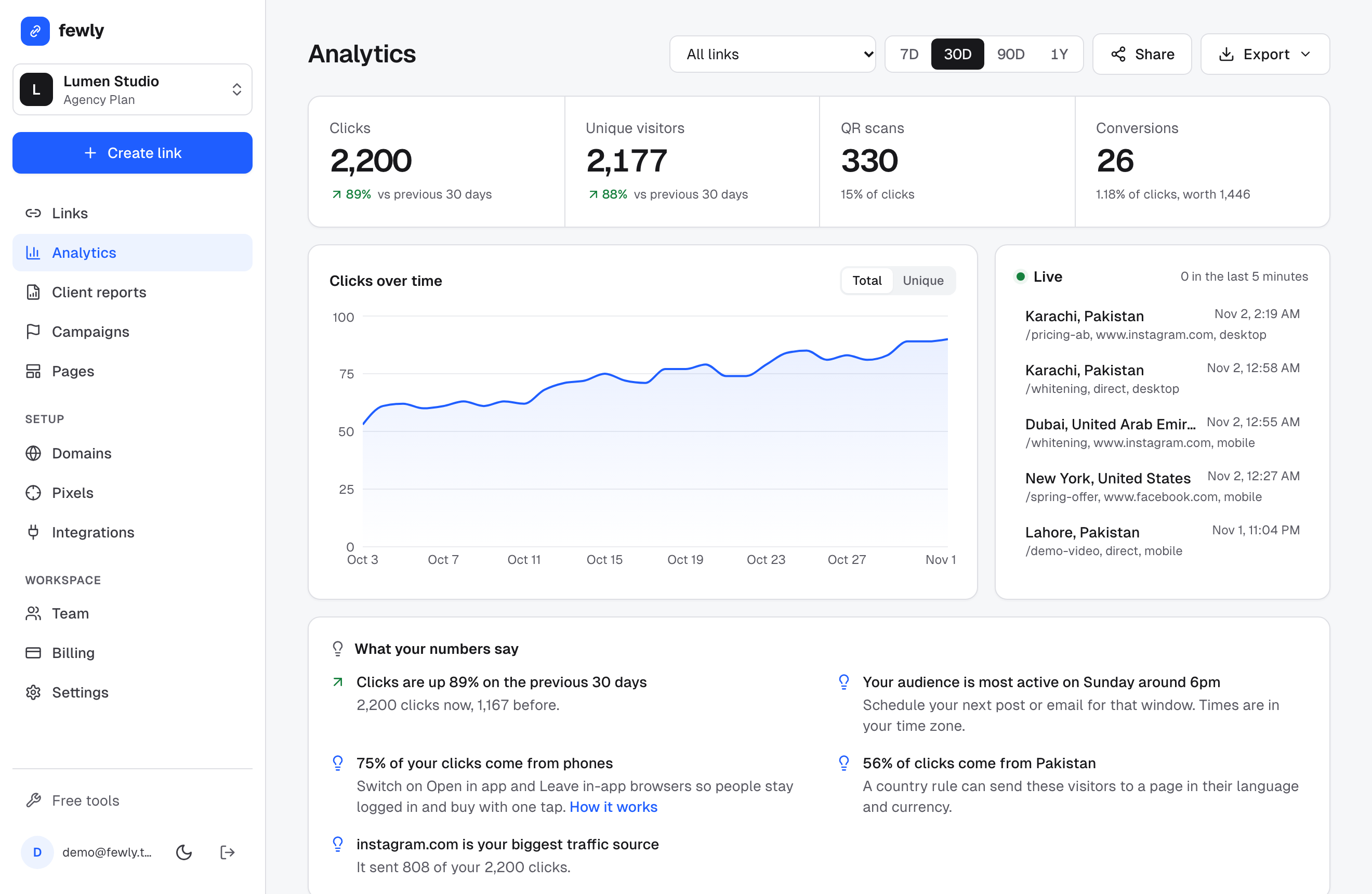
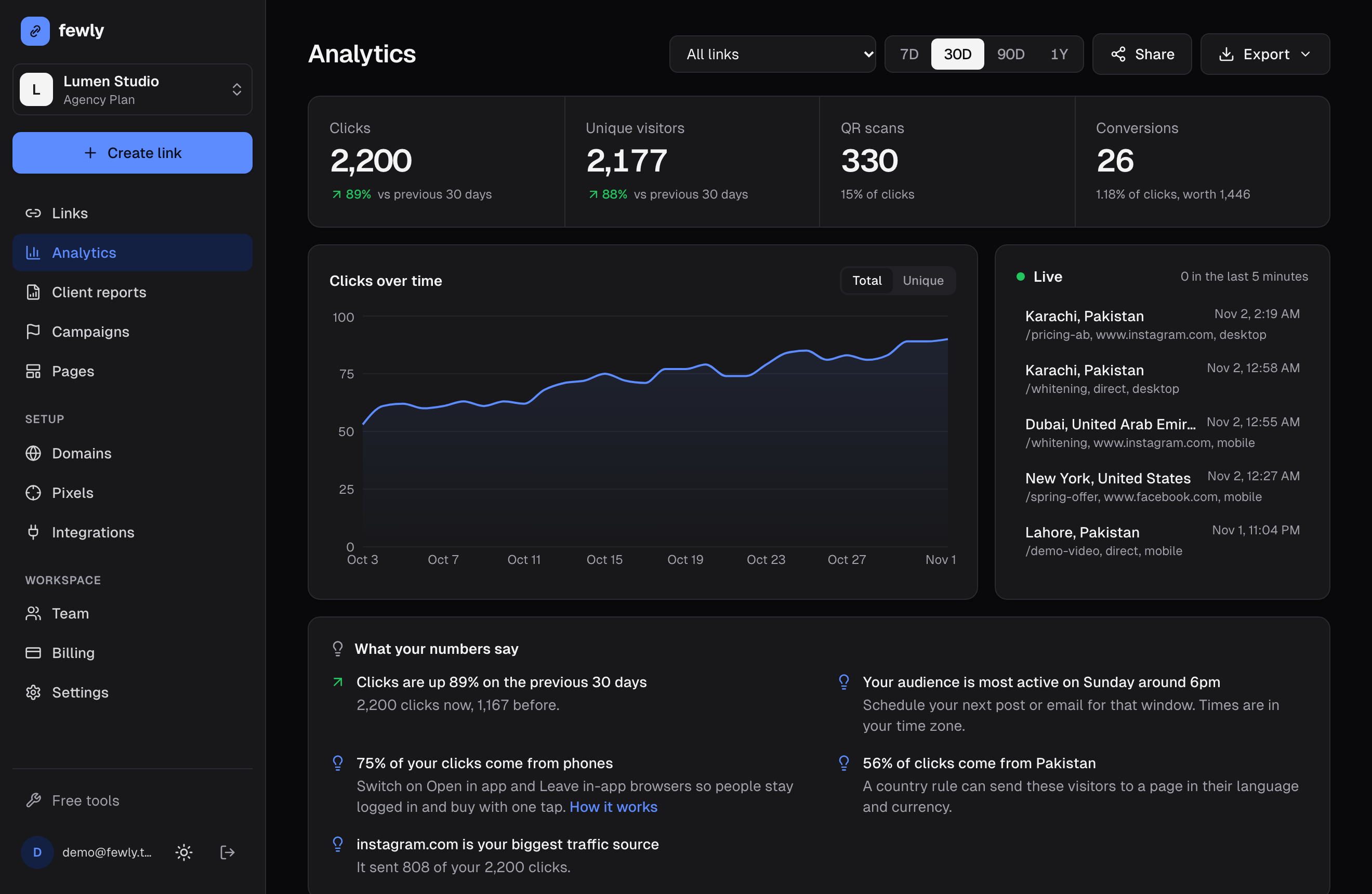
The real dashboard, with sample data











Every click can do more than count as a click
One link, the right page for each visitor
Route by device, country or time of day, and test two pages against each other. Pick a visitor to try it.
Device rule: iPhone goes to the App Store
Your CRM knows who clicked
Add a contact id or email to a link. Each click reaches your workflow with the person's name on it.
Sent to your CRM workflow- ayesha@brightsmile.pk
- link_title
- Whitening offer
- city
- Lahore
- device
- mobile
Open in the app, not the website
YouTube, Instagram and Amazon links open the app people are already logged in to.


Watch clicks arrive
A live feed for launch day: place, source and device, seconds after the click.
- Dubai, AEInstagram
- Lahore, PKWhatsApp
- London, GBEmail
Sample data
QR codes you can change later
Your colors, logo and frame. Change the destination any time without reprinting.
Know when to post
See the hours your audience really clicks, in your own time zone, with plain advice on what to do next.
Busiest on Friday evening: post then.
Client reports under your brand
Share a live page with one link, with an optional password. On the Agency plan it carries your logo and colors, and fewly isn't mentioned.
Measure
- Conversion and revenue tracking
- Retargeting pixels for 10 ad networks
- Campaigns with UTM presets
- PDF and scheduled email reports
Protect
- Malware and phishing scans on every URL
- Two-step verification and Google sign-in
- Encrypted contact data and EU hosting
- Bots kept out of your numbers
Run at scale
- Your own branded domains
- Move from Bitly with addresses kept
- REST API, webhooks and a Zapier app
- Team roles and an activity log
Give every client a report with your name on it
- Send a live report link instead of screenshots. No login for the client.
- Your logo, your colors and no mention of fewly on the Agency plan.
- One campaign per client, with its own UTM tags and its own numbers.
- Weekly PDF reports go out by themselves.
Pay for what your links earn you
Start free with no card. Move up when you want routing, CRM tracking or client reports.
Free
Try fewly on real links.
- 50 links a month
- 30 days of click analytics
- Campaigns and UTM builder
- Basic QR codes
- Link-in-bio, surveys and action pages
- REST API
Pro
For one marketer or a small business.
$84 billed once a year
Everything in Free, plus
- Unlimited links and 1 year of analytics
- Routing by device, country and time of day
- Open links in the app, and out of in-app browsers
- Retargeting pixels and conversion tracking
- A/B tests, QR designer and 3 branded domains
- Client report links, webhooks and Slack alerts
Team
Best for CRM usersFor sales and marketing teams on a CRM.
From 3 seats, $15 a month
Everything in Pro, plus
- See which contact clicked each link
- Send clicks to GoHighLevel and other CRMs
- Custom API headers and data fields
- Team roles, read-only viewers and activity log
- 10 branded domains
Agency
For agencies reporting to many clients.
$348 billed once a year
Everything in Team, plus
- Reports under your own name, logo and colors
- 15 team seats included
- 25 branded domains
- Highest API limits
- Priority support
Questions people ask first
Can one link open different pages on different devices?
Yes. On paid plans, one short link can send iPhone users to the App Store, Android users to Google Play and everyone else to your website. You can also route by country or time of day, or split traffic for an A/B test.
Can click data go into my CRM?
Yes. On Team and Agency plans, fewly sends each click to GoHighLevel directly, and to HubSpot, Salesforce and others through Zapier or Make. Add the contact's id or email to the link and your CRM knows who clicked.
Is fewly really free?
Yes. You can shorten links on the homepage with no account, and the free plan covers everyday use with analytics and QR codes.
Can I use my own domain?
On paid plans you can connect a branded domain. We give you the DNS records, verify ownership, and provision TLS automatically.
Will tracking slow my visitors down?
No. A normal redirect reads the link from memory and answers straight away. The click is recorded afterwards in the background, so the visitor never waits for it.
Do you scan links for safety?
Every URL a link can send people to is checked for malware and phishing, including routing and A/B test URLs, and we refuse destinations that point at private or internal addresses.