Bulk import
Have a list of addresses? Turn them all into short links at once.
Available on: Pro (10,000 rows) and Team and Agency (100,000 rows) 1 minute
On the Links page, press Import
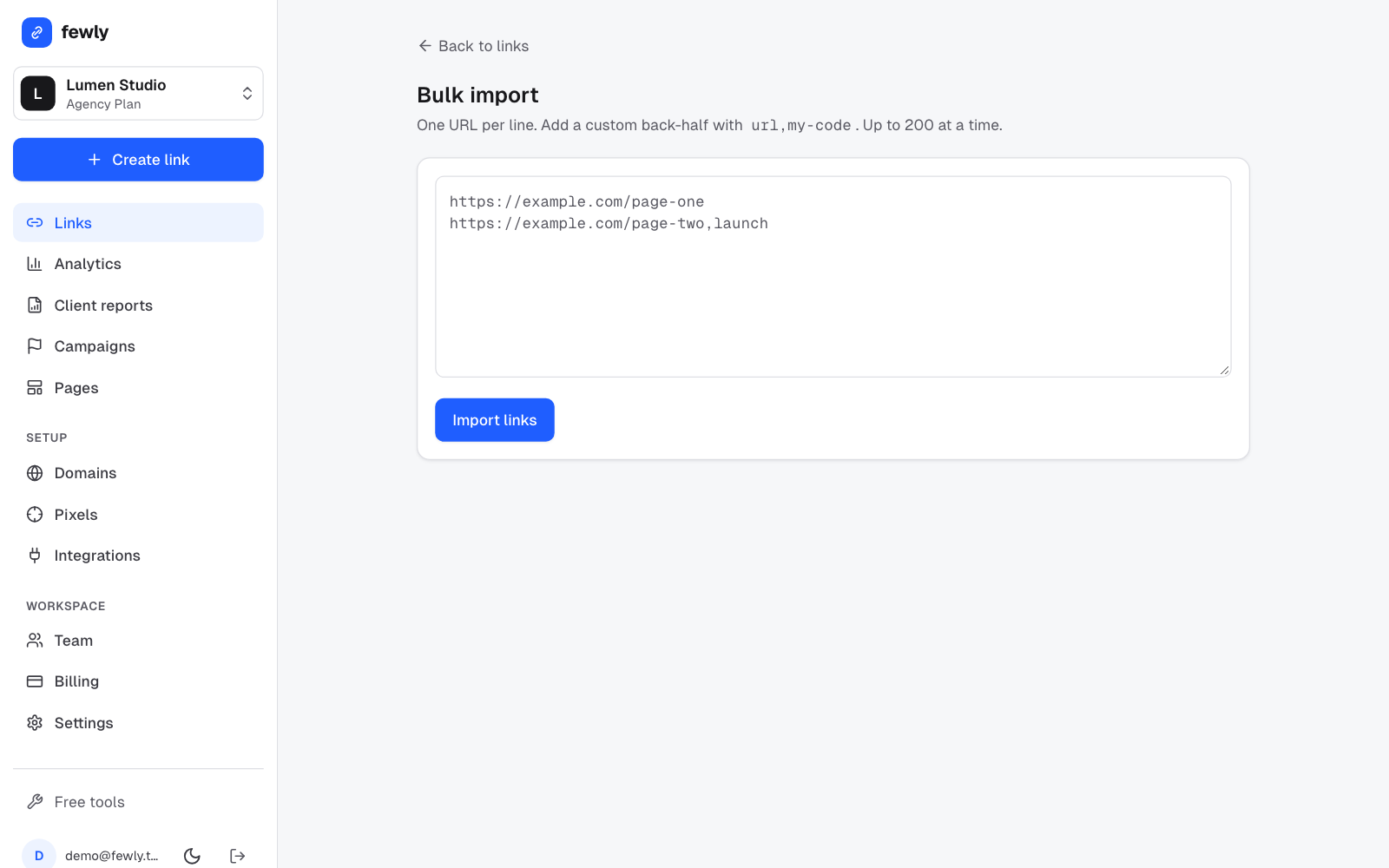
Paste your list
One address per line. To choose a name for a link, add it after a comma:https://example.com/spring-sale https://example.com/summer,summer-menuOr upload a CSV file
A spreadsheet saved as CSV can have the columnsurl,code,title,tags,folder,campaignand the UTM tags. Onlyurlis required.Press Import links
You'll see which rows worked. A bad row doesn't stop the others.
Afterwards
Download your results as a CSV, or a ZIP of QR codes for all of them, from the same page. Select several links on the Links page to tag or move them together.
If something isn't working
A row failed
The message says why: usually the name is already taken, or the address isn't valid. Fix that row and paste it again.
I need to do this from my own software
Developers can use the API, which takes up to 200 addresses per request.
Still stuck? Contact us and tell us what you tried.