The browser extension
fewly in your browser's toolbar. It works in Chrome, Edge, Brave and other Chromium browsers.
Available on: All plans 1 minute
Install it
Download and unzip it
Download the extension, then double-click the file so it becomes a folder.Open your browser's extensions page
Typechrome://extensionsin the address bar and switch on Developer mode, top right.Click Load unpacked and pick the folder
Then click the puzzle icon in your toolbar and pin fewly.Click the fewly icon, then Connect my account
Press Connect on the page that opens. There are no keys to copy. Only owners and admins of a workspace can do this.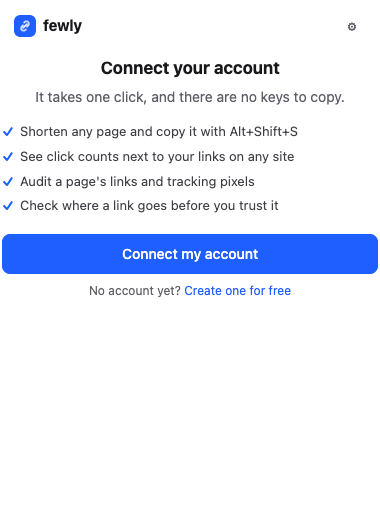
Shorten anything
- Toolbar: click the icon, then Shorten this page. The link is copied for you. Open Custom name, domain and tracking for more.
- Keyboard: press
Alt+Shift+Son any page. - Right-click: on a page, a link or an image. Select some text with addresses in it, and fewly shortens them all.
- All tabs: Shorten all open tabs gives you a list to paste.
- No duplicates: if you already have a link for this page, fewly says so and shows its clicks.
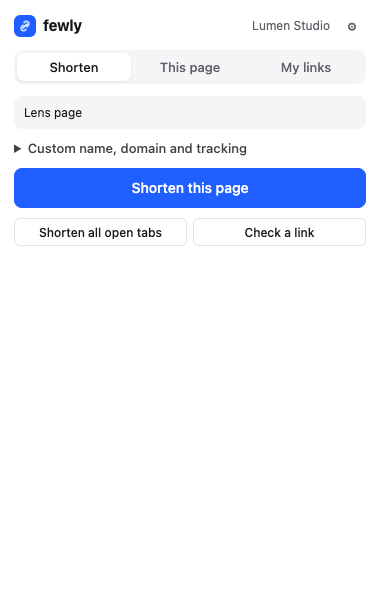
It removes click ids like fbclid from addresses first and keeps your UTM tags. You can turn this off in its settings.
Link Lens: clicks on any site
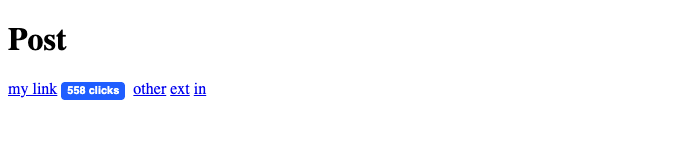
A small badge appears next to your own short links wherever they are: LinkedIn, X, Gmail or a client's site. You can see how a post is doing without leaving it.
Click the gear icon in the extension and switch on Link Lens. Your browser asks for permission to read pages. Only your own short links are looked up. Nothing else leaves the page.
Audit any page
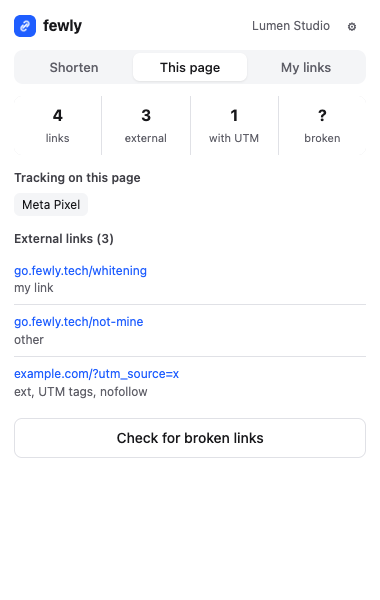
The This page tab counts links, shows which have UTM tags, and lists the marketing tools the page loads: Meta Pixel, Google Analytics, TikTok and others. It's handy for checking your own setup, or seeing what a competitor uses. Check for broken links tests up to 100 of them.
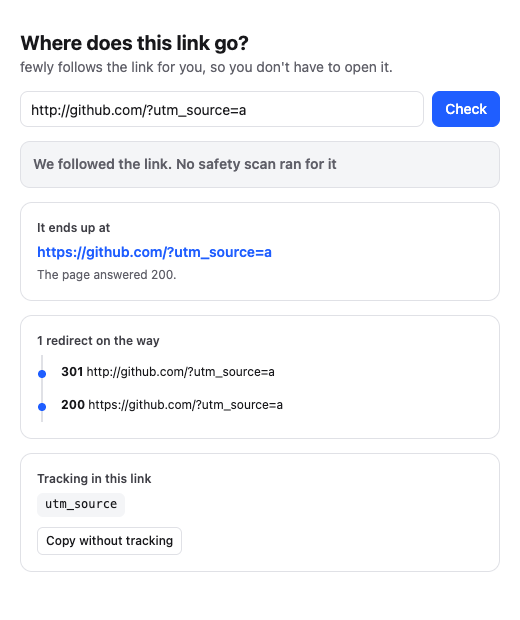
Where does this link go?
Right-click any link and choose Where does this link go? fewly follows it for you and shows each redirect, the final page, any tracking and a safety check, without you having to open it. Use it on suspicious links in email.
My links
The third tab lists your links and their clicks, with search and a copy button.
If something isn't working
The extension says my connection has expired
The shortcut doesn't work
chrome://extensions/shortcuts.It doesn't work on this page
Still stuck? Contact us and tell us what you tried.