Connect Zapier and Make
Zapier and Make link fewly to thousands of apps, including HubSpot, Salesforce, Mailchimp and Airtable. They handle the login to the other app, so it's all point and click.
Available on: Pro, Team and Agency 5 minutes
Example: add clickers to HubSpot
In Zapier, press Create Zap
For the trigger choose Webhooks by Zapier, then Catch Hook. Copy the address it shows.
In fewly, open Integrations and click Zapier
Paste the address, pick the events and press Connect Zapier.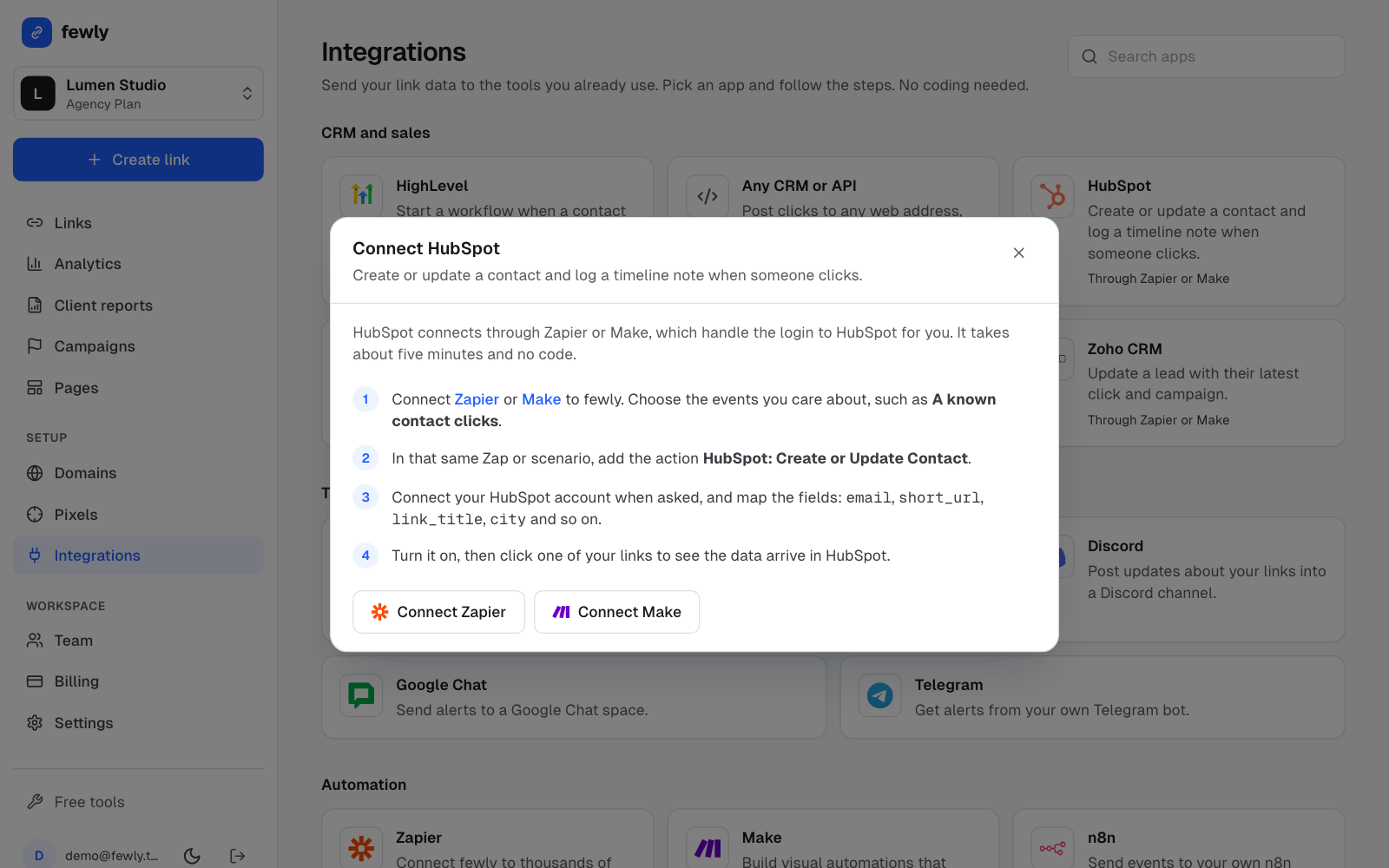
Back in Zapier, press Test trigger
Our test message appears, so Zapier knows the fields.Add your action
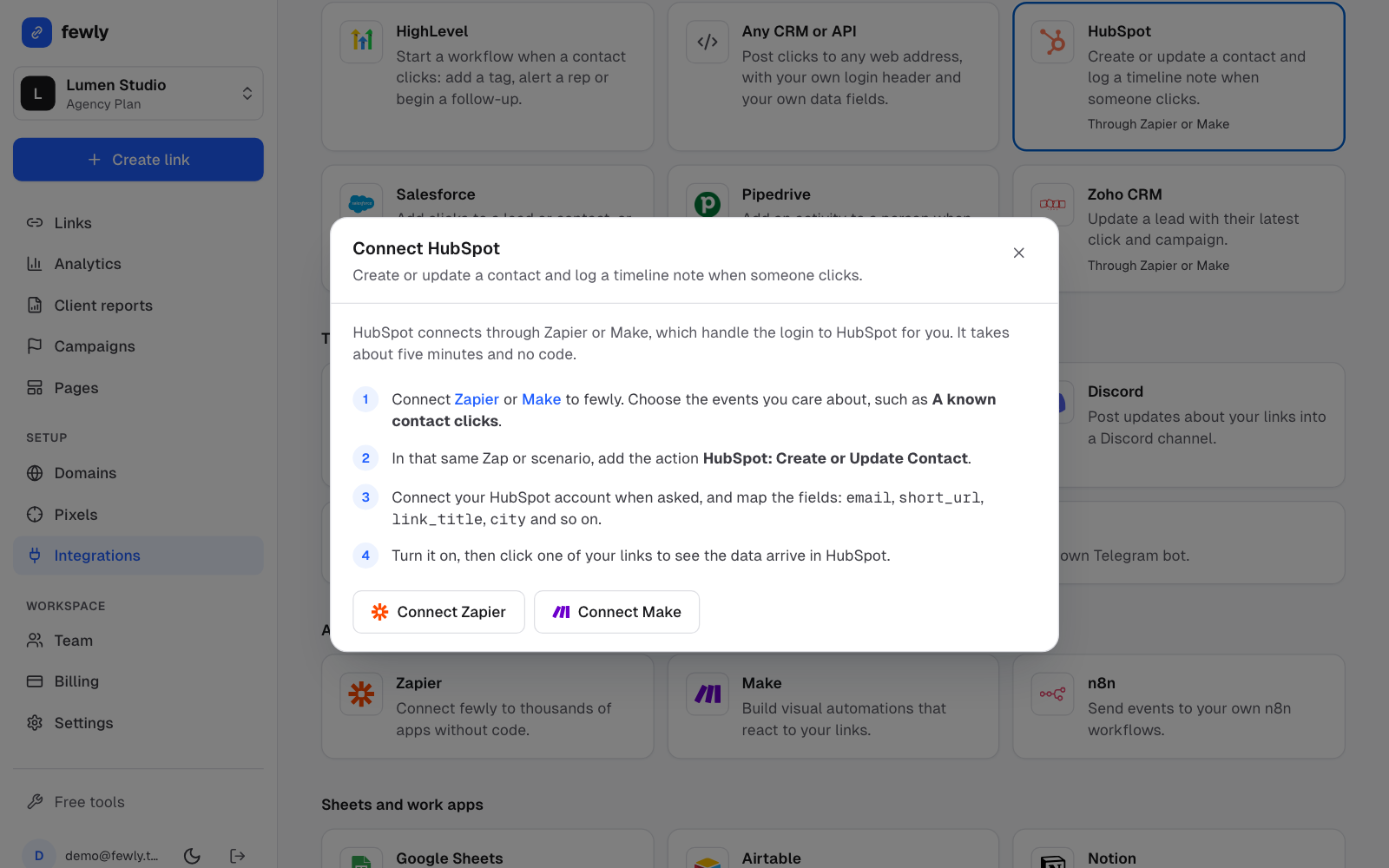
Choose HubSpot, then Create or Update Contact. Log in when asked, and map the fields.Publish it, then click one of your links
The contact should show up in HubSpot.
Each card on the Integrations page says what action to use for that app.
Using Make
It's the same idea. Add a Webhooks, Custom webhook module, copy its address and paste it under Make in fewly. Pressing Connect sends a test so Make learns the data.
Creating links from another app
In Zapier use Webhooks by Zapier, POST to https://fewly.tech/api/v1/links, with the header Authorization: Bearer your-key and a key from Settings, API keys. The API reference lists all the fields.
If something isn't working
Zapier says it can't find a sample
The field I want is missing
Still stuck? Contact us and tell us what you tried.