Link in bio
Social profiles only allow one link. Make it a simple page with all your links on it.
Available on: All plans 5 minutes
Open Pages, then Link in bio
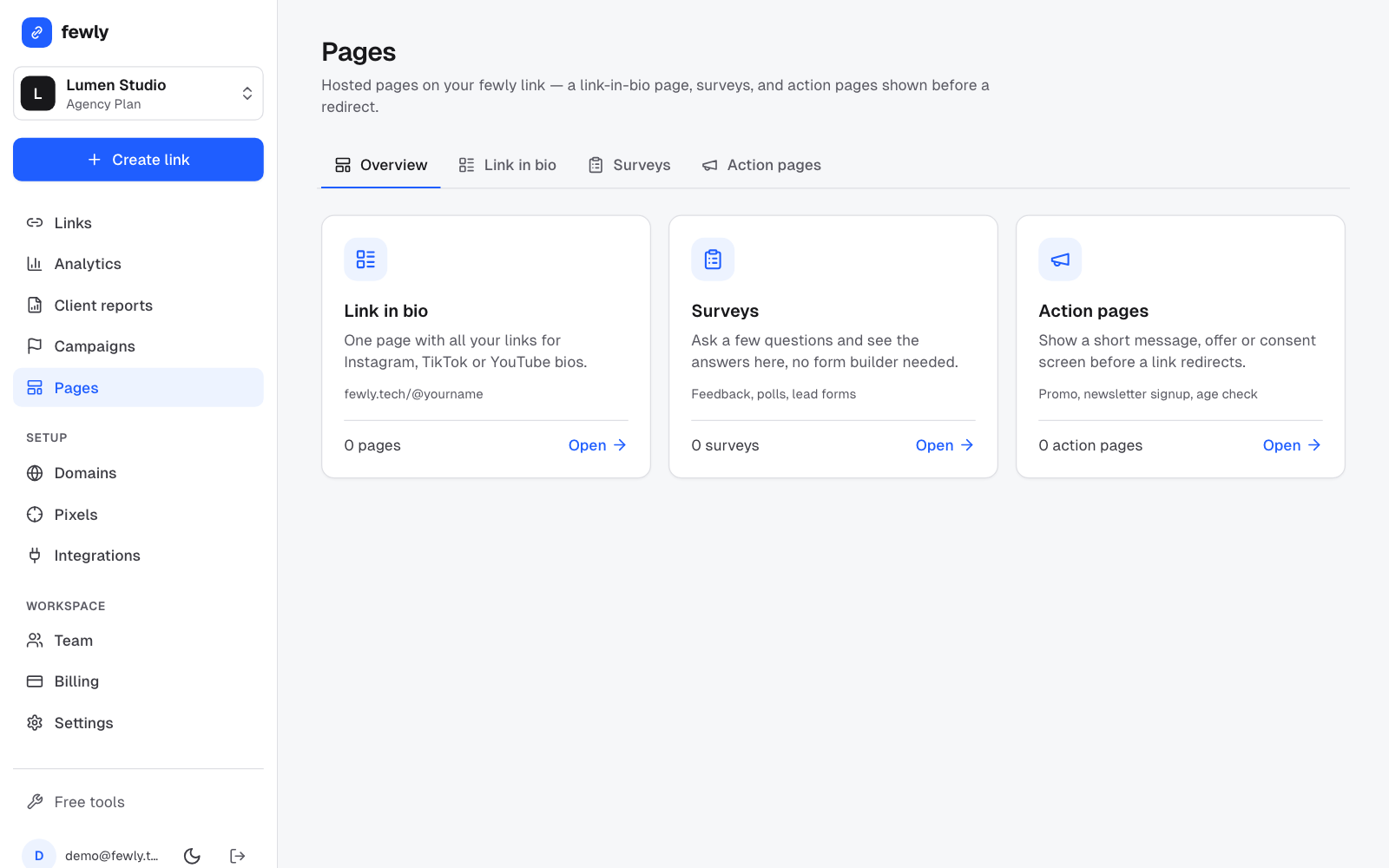
Add your name, a short bio and a picture
Add links, section headers and videos
Links become buttons with the site's logo, headers split them into groups, and a YouTube link plays right on the page. Use the arrows to put the most important one first.Add social icons and choose a look
Type your handles (like @yourname) and pick one of eight themes, glass, solid or outline buttons, and rounded, pill or square corners. The phone preview updates as you go.Paste your page's address in your profile
Update the buttons any time without touching your profile again.
Taps on each button are counted, so you can see what people really want.